How to get wFirma API credentials
Generate API credentials in wFirma and paste them into eKsięgowy AI.
Our wFirma integration needs three values: Access Key, Secret Key, and Company ID. This guide walks you through generating them in wFirma and connecting them to eKsięgowy AI.
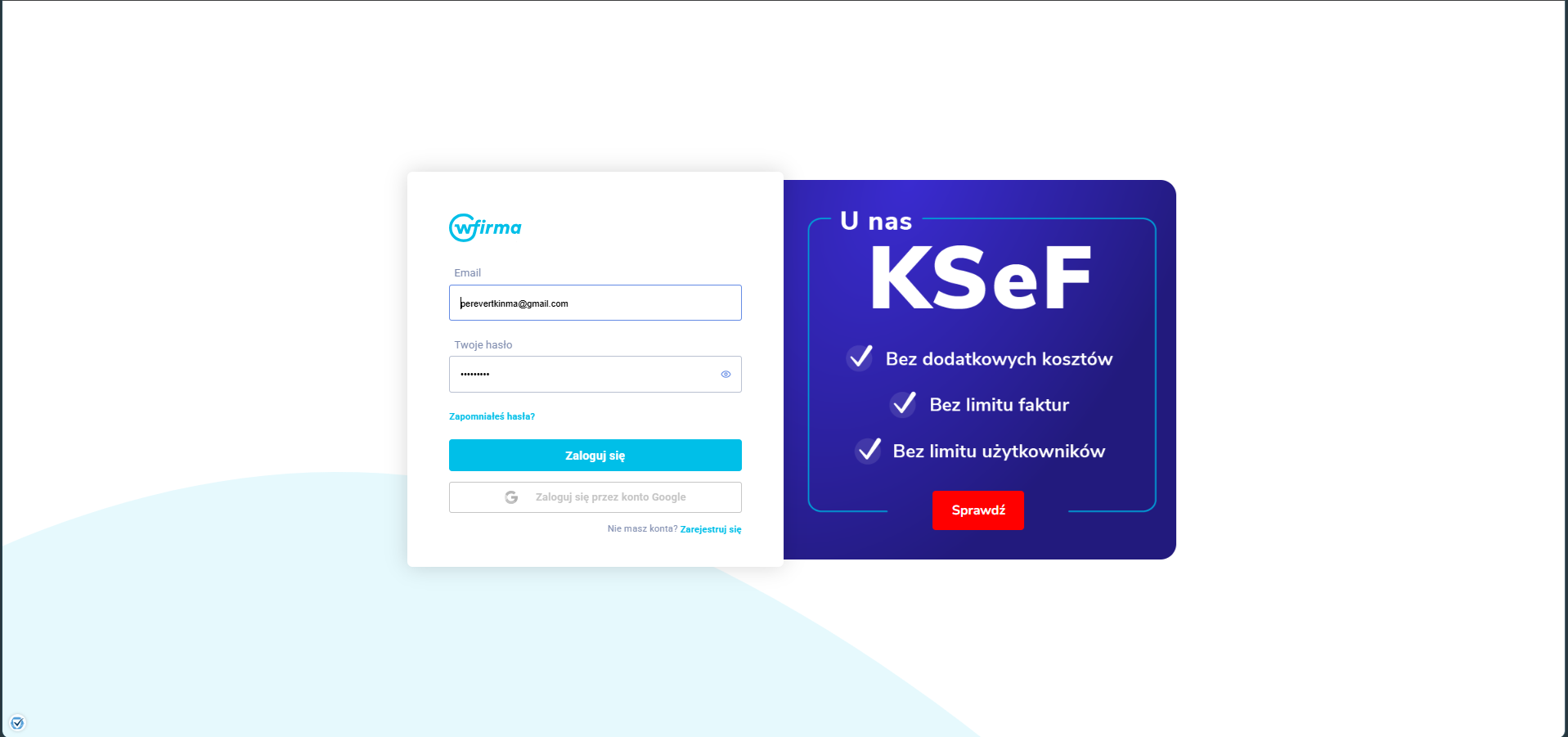
Sign in to wFirma
Add a new API key in wFirma
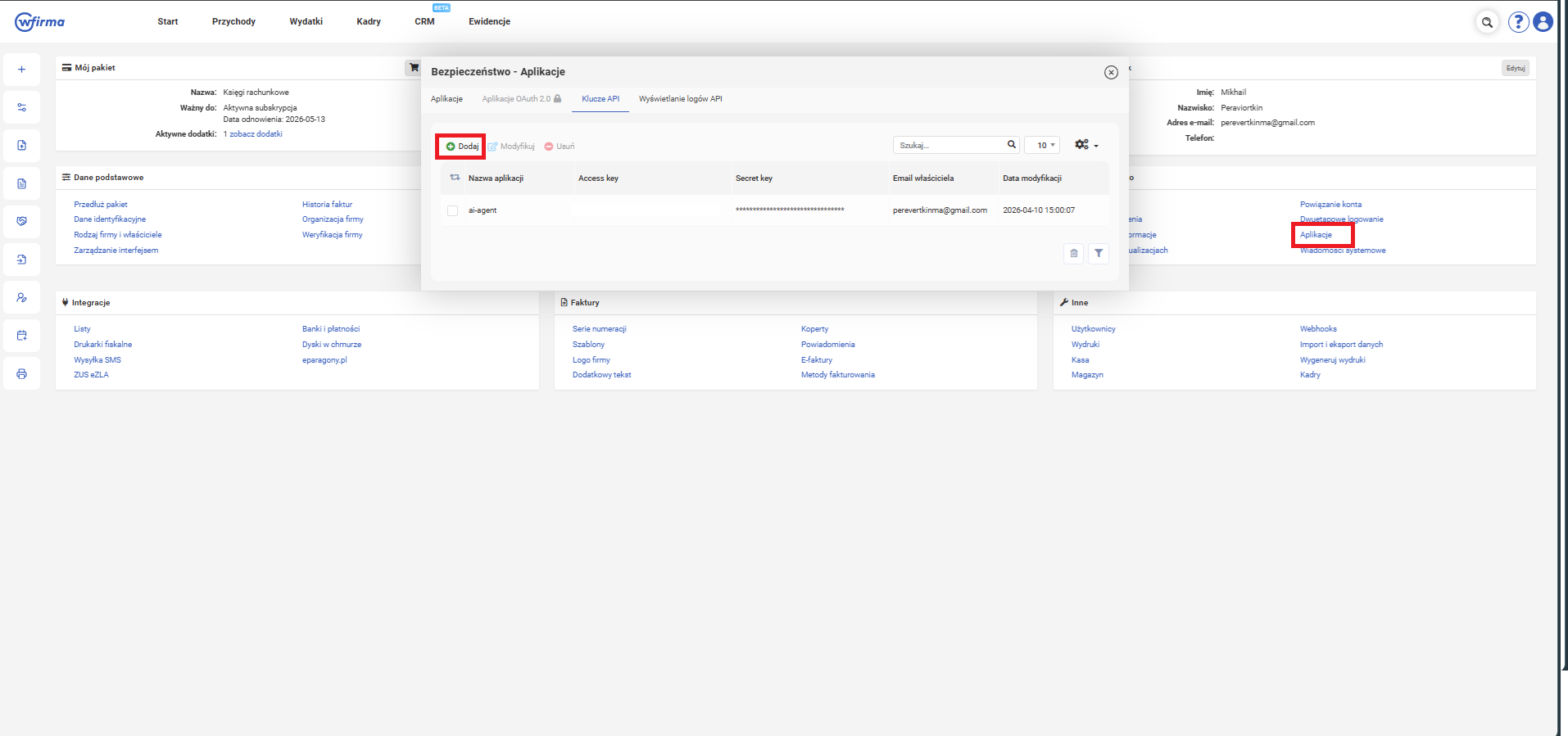
From the dashboard, find the Bezpieczeństwo section in the right column and click 'Aplikacje'. In the modal that opens, switch to the 'Klucze API' tab and click '+Dodaj' to create a new API key. Give it a recognizable name (for example, 'eKsiegowyAI').
Copy Access Key and Secret Key
After creation, the new entry appears in the table with Access key and Secret key columns. Copy both values — you will paste them into eKsięgowy AI in the last step.
Find your Company ID
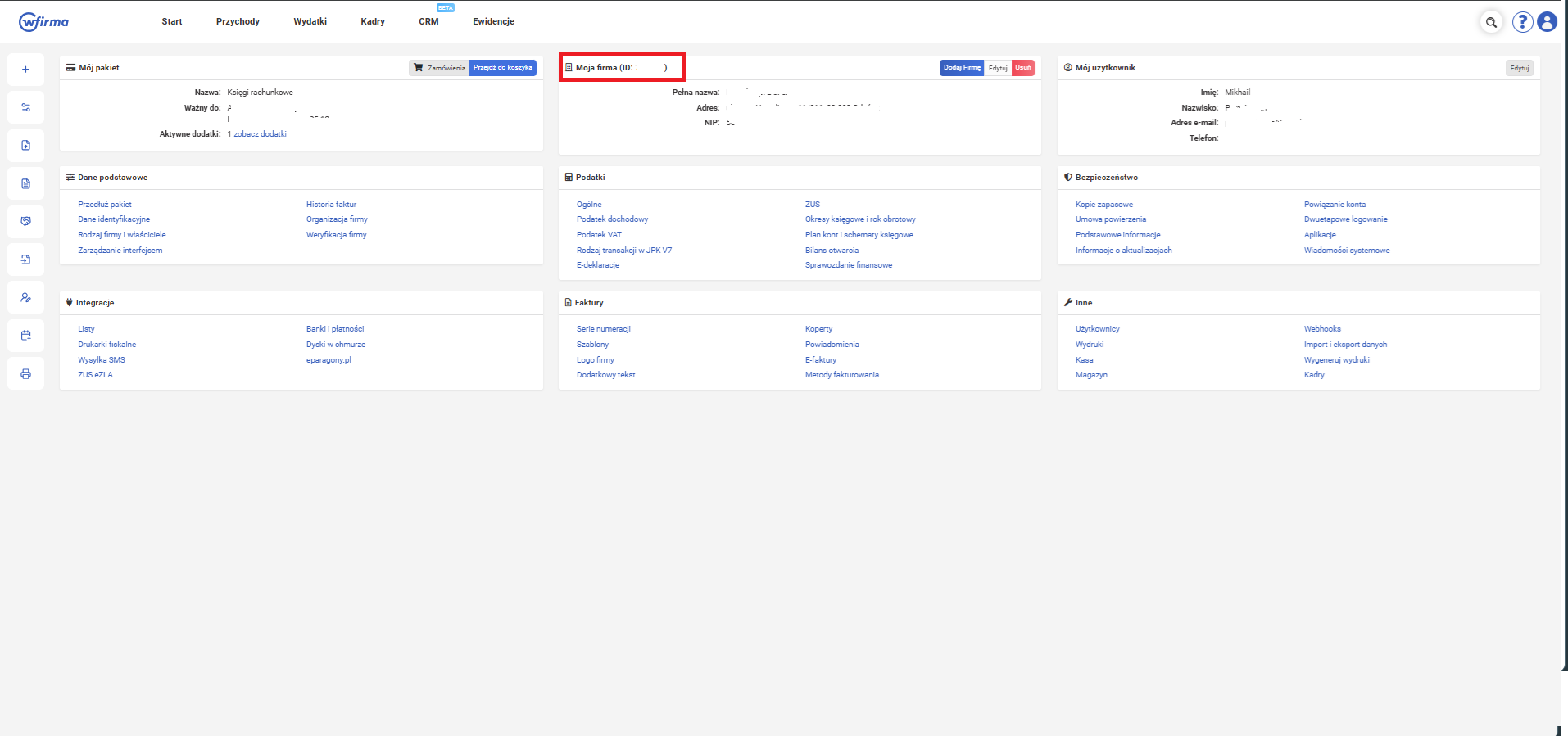
Return to the wFirma dashboard. Your Company ID is shown next to 'Moja firma' at the top of the page — it is a numeric identifier.
Paste credentials into eKsięgowy AI
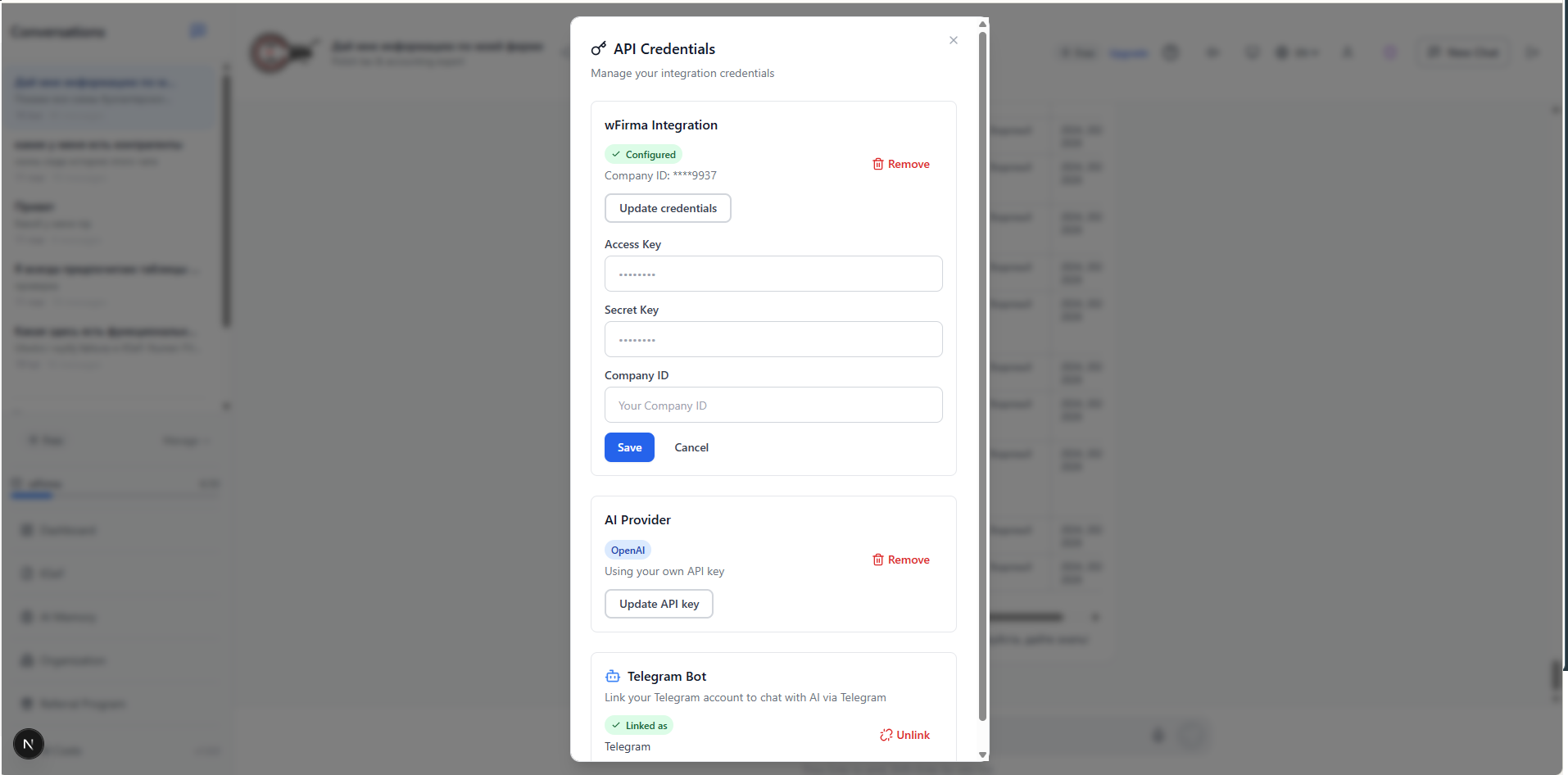
In our app, click your profile avatar in the top-right and choose 'API Credentials'. In the wFirma Integration section, paste your Access Key, Secret Key, and Company ID, then click 'Save'. eKsięgowy AI will validate the credentials against wFirma.